
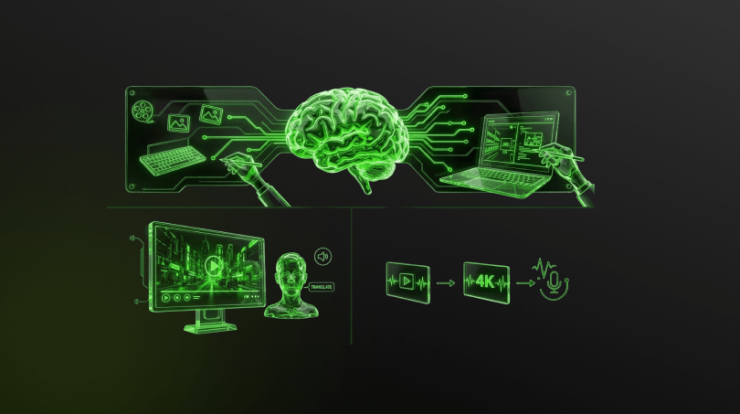
Have you noticed how fast technology changes? The world of web design is no exception. We are seeing a major shift right now. Artificial Intelligence (AI) is totally changing how we build websites. It’s not just a trend anymore. AI is now a must-have tool for modern web professionals.
Why should you care about AI in web design? It saves huge amounts of time. It boosts your creativity. It makes your work much more efficient. If you want to stay ahead, you need to use these tools. This article will show you the best AI tools available. It explains how they can transform your entire workflow.
Contents
What Are AI Web Design Tools and Why Use Them?
What Exactly is an AI Web Design Tool?
Think of an AI web design tool as a smart assistant. This software uses clever AI algorithms. It helps you design and optimize websites. These tools can automate many tasks. This includes generating layouts or picking perfect colors. They also suggest content and improve the user experience. Their main job is to make site creation faster and better.
Why Are Professionals Turning to AI?
Time is money in professional design. AI tools are amazing time-savers. They do the same repetitive jobs faster than humans. This frees up designers. Designers can then focus on more complex, creative problem-solving. AI helps you generate many ideas instantly. This speeds up the start of any project. It ensures that your designs are responsive and look great everywhere.
When Should You Use AI in Your Design Process?
AI can be used at every stage. You can use it for early ideas and concepts. It’s helpful when generating images and text. It can even assist with coding and testing. Use AI when you need to speed up a task. Use it when you need fresh, data-driven ideas. Using AI throughout the project cycle ensures maximum efficiency.
Boosting Creativity and Production with AI Design
AI for Visual Inspiration and Layouts
Need a layout fast? AI acts as a great visual assistant. It quickly generates design ideas based on your criteria. Tools like Wix Studio have Responsive AI. This analyzes your design. It then instantly creates the best layout for all screen sizes. This is a huge help for making responsive websites quickly. Other tools like Relume use AI to generate full sitemaps and wireframes. This gives you a clear structure for your entire website in minutes.
Generating Stunning Images and Graphics
AI image generators are now very powerful. You type a description, and the AI creates a unique image. Tools like Midjourney and Adobe Firefly are leaders here. They generate photorealistic images and unique illustrations. You can also use free tools like Ideogram. It is excellent for creating images with clear text. Canva AI is also great for making quick social media and marketing visuals. These tools allow designers to create custom visuals without a huge budget.
Finding the Perfect Color and Font Combos
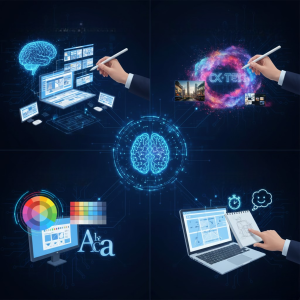
Picking the right colors is crucial. It sets the site’s mood. AI tools suggest harmonious pairings. Muzli AI helps you find the perfect color palettes. Fontjoy suggests complementary font pairings that look professional. You can also use Khroma to get personalized color recommendations based on your preferences. This ensures your site has a professional and balanced look. A strong visual balance is key to a great user experience.
AI for Prototyping and Wireframing
AI can turn rough ideas into functional designs very quickly. Uizard is a great example. It can take a photo of your hand-drawn sketch and turn it into a digital wireframe. Framer AI can generate an entire responsive, live website from a single text prompt. This ability to instantly create and refine prototypes saves huge amounts of time. It allows you to test concepts and get client feedback much faster than before.
Automating Content and Copywriting
AI for Effortless Content Creation
No more using ‘Lorem Ipsum’ placeholder text. AI copy generators create real, relevant content instantly. They write product descriptions, blog post drafts, and strong ad copy. Tools like Copy AI, Writesonic, and Rytr are experts at generating human-like content. They can tailor the tone to match your brand. These tools also provide specialized SEO copy. They generate perfect meta descriptions and engaging H1 headings for better ranking. Many now offer “humanizer” features to make AI text sound more natural. This saves content creators significant time and effort on every project.
How AI Streamlines Development and Coding
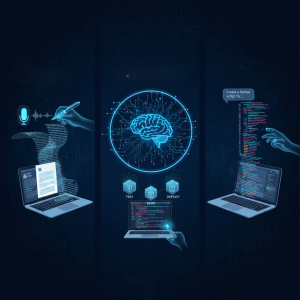
AI isn’t just for visuals; it helps with the technical side, too. Tools like the Wix Studio AI Code Assistant offer real-time code suggestions. You can also use free-tier assistants like Gemini Code Assist and GitHub Copilot. These integrate directly into your coding environment (IDE). They generate full functions or entire files based on a simple description. Amazon Q Developer generates code, tests it, and helps debug technical issues. This focus on efficiency accelerates the entire development process. It is a game-changer for solo developers and large teams looking for fast turnaround.
Prototyping and Testing with AI
Creating Prototypes in Minutes, Not Days
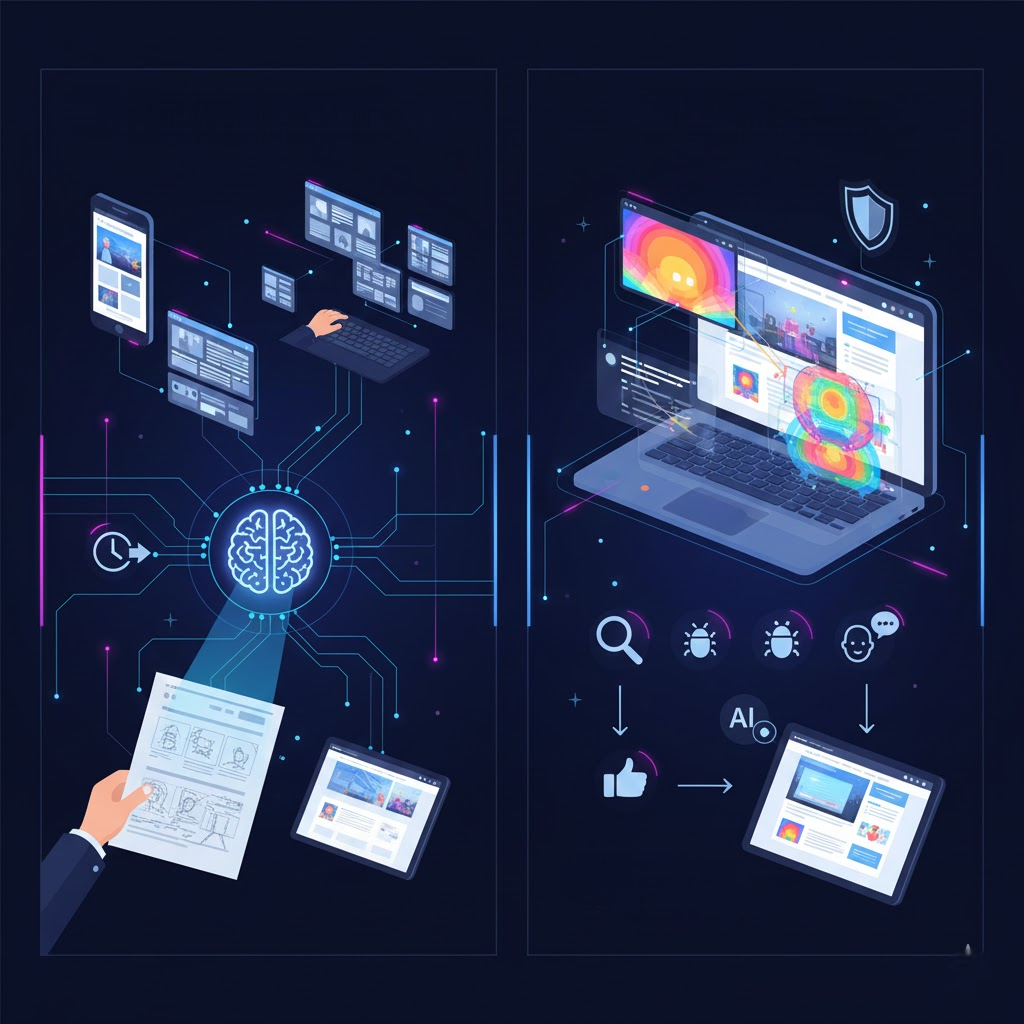
The prototyping stage is much faster now. You can go from an idea to a functional interface in minutes. Uizard uses a text-to-AI generator. It provides a contextual user interface almost instantly. It can even scan your hand-drawn sketch and turn it into a digital wireframe. Relume turns your prompts into full wireframes and sitemaps for planning. Other tools, like Visily, convert screenshots of existing apps into editable designs. This lets you visualize product ideas fast and allows for quick feedback and iteration.
Predictive Analysis and Testing
AI can predict how successful your design variations will be before you launch. It uses predictive analysis. Tools like Microsoft Clarity and Attention Insight generate AI-powered heatmaps. They show you where users are likely to look and click, based on training data. This lets designers create layouts optimized for user performance from the start. AI-powered analytics can also help you find bugs. Hotjar AI automatically detects usability bottlenecks in recorded user sessions. This identifies issues in your site’s design and helps ensure a smoother final product.
Beyond Design: AI for Video and Media
The Rise of AI Video Tools
AI is now excellent at video creation, too. You can generate stunning video content instantly. Runway AI lets you generate video from text, images, or even other videos. This opens up huge possibilities for dynamic backgrounds and video headers. Adobe Firefly can generate cinematic B-roll clips for quick production value. New platforms like HeyGen use AI to create realistic talking avatars and automatically translate videos with perfect lip-sync. This saves massive time on video editing and localization.
Enhancing Image Quality with AI
Tools like Vance AI focus on enhancing and editing images. You can sharpen blurry photos or restore old pictures. This is especially useful for e-commerce product shots. Beyond still images, AI now greatly improves video and audio quality. Tools like Topaz Labs and Filmora can upscale low-resolution video to 4K. They use AI to remove grain and noise, frame by frame. Canva even has built-in AI audio enhancers. These tools clean up background noise, ensuring your video and sound look professional.

Comparative Look at AI Website Builders
The article mentions several excellent AI website builders. They all have different strengths and cater to different professional goals. For users focused on pure speed and quick launches, tools like Durable and Mixo are the best choice. Durable builds a professional site in minutes, perfect for small businesses, while Mixo offers the fastest setup for simple landing pages and MVPs. For those needing maximum simplicity, SITE123 provides the easiest, most guided step-by-step setup for absolute beginners.
If your goal is balance and creative control, platforms like Dorik and Wix Studio are ideal. Dorik combines strong automation with deep design freedom. Wix Studio, meanwhile, offers the best all-around flexibility, blending AI speed with a powerful drag-and-drop editor and extensive app integrations. For a strong visual brand, Squarespace Blueprint AI generates elegant, brand-consistent designs perfect for portfolios and creatives.
Finally, for advanced control and agency use, tools like CodeDesign.ai offer fast, clean websites with solid SEO structure. For designers who need complete control, Framer AI turns text prompts into fully functional, live, interactive websites. Webflow AI is the best choice for agencies, generating code-level structures for complex projects where full customization is required after the initial AI generation. Choosing the right tool depends entirely on your goal: speed, customization, or beginner-friendliness.
Your Next Step in Web Design
AI tools are genuinely reshaping web design. They are not replacing the human designer. Instead, they are supercharging them. These tools remove manual labour. They boost creative output. They let you launch projects much faster. Using these technologies is no longer optional. It’s essential for a competitive edge.
Start small. Try a free plan from one of the content generators. Use an image tool for a quick social media graphic. The more you use AI, the more you will streamline your work. Step into the future with AI. Transform your design process today.
How is AI changing the future of web design?
The smart technology is changing the future of web design by focusing on speed and personalization. It makes sites faster to build by handling slow, manual work like basic layouts and coding. Crucially, it makes sites smarter for users by allowing websites to automatically adjust their content and layout in real-time to give every single visitor a perfect, personalized experience.
How does AI save me time in design?
The smart technology saves you time by doing the quick, boring jobs instantly. It creates the basic website layout and writes draft text for you, so you can jump straight into the creative finishing touches instead of starting from zero.
Will AI make my website look good on phones?
Yes, the automated design technology will make sure your website looks good on phones. It automatically adjusts all the pictures and text to fit perfectly on any smaller screen, so you don’t have to do that work yourself.
Is AI going to take my job as a designer?
AI will not take your job; it will make you faster and better at it. AI handles the boring, manual tasks for you, like making rough layouts and writing draft text, which frees up your time. As a designer, your new focus will be on the important, creative decisions and solving real user problems, which are the parts AI cannot do.
Netstager is a leading digital marketing agency in Dubai and one of the most trusted web design and digital marketing companies in India, offering SEO, Google Ads, social media marketing, web design, mobile apps, branding, and software development to help businesses build a powerful and results-driven online presence. Whether you’re looking for creative digital strategies, performance-focused marketing, or technology-driven web solutions, our teams deliver end-to-end services that help brands grow and connect effectively with their audience. For more details, visit our UAE and India websites for support.